

Company data
Know the company behind your next approach
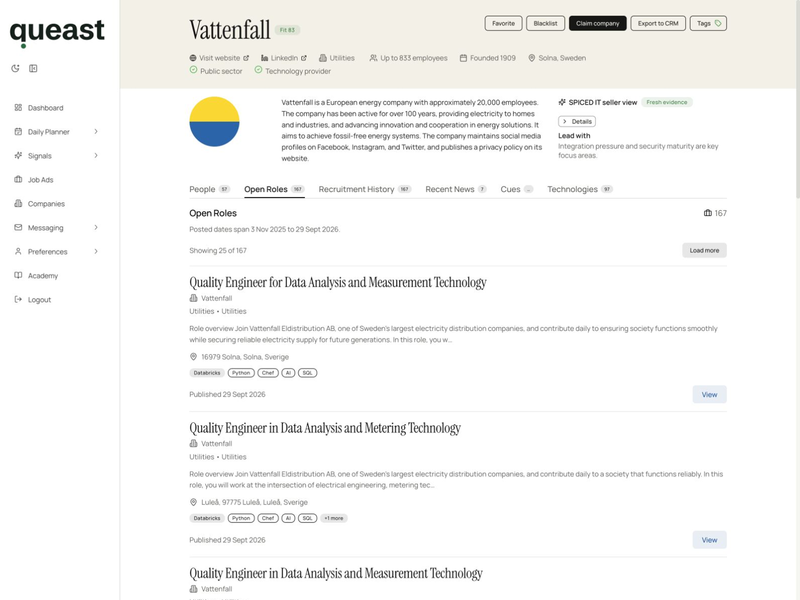
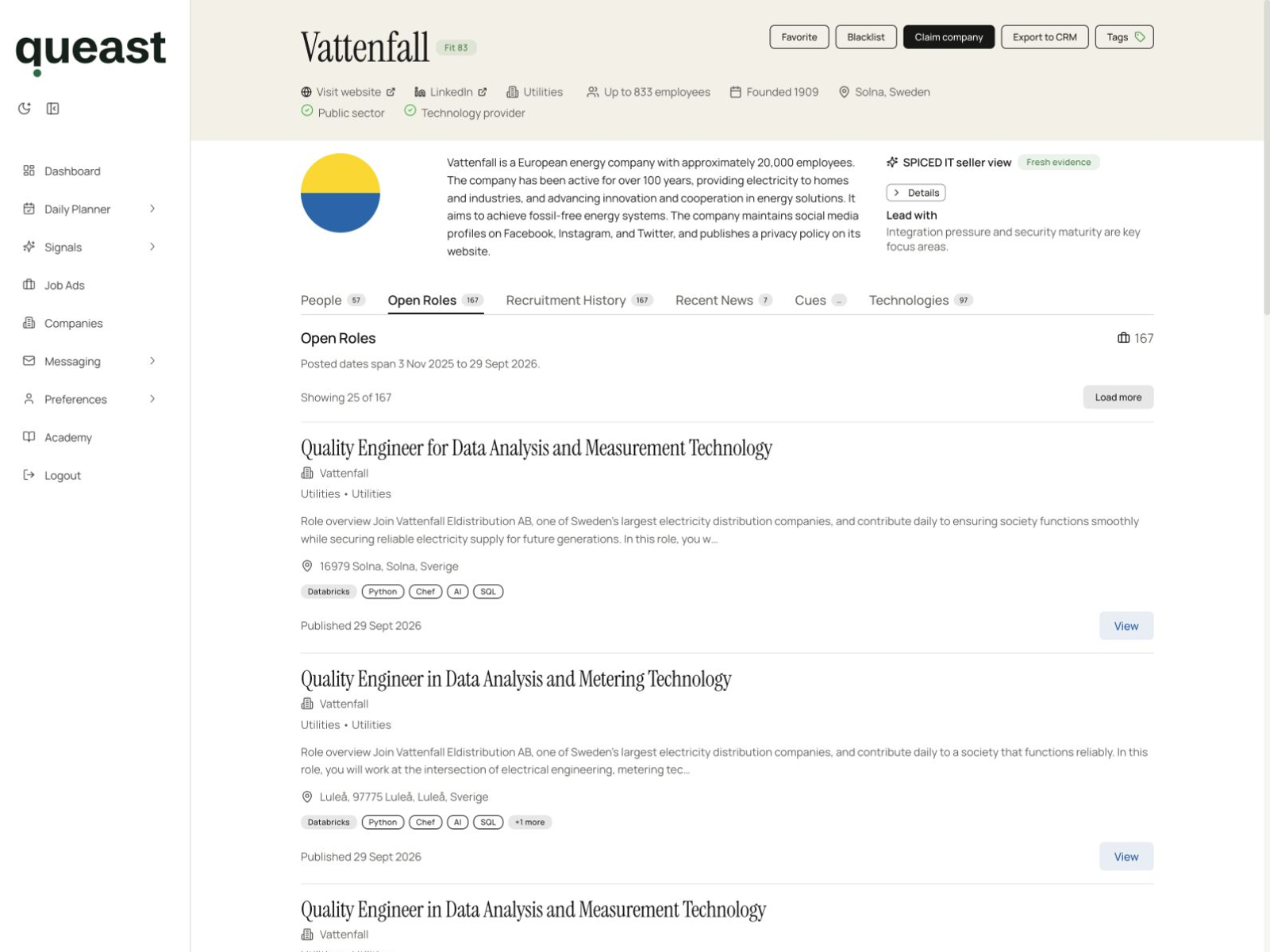
Check a company’s business, location and scale in one profile, then open its hiring activity, people, technologies and news. Queast brings those records together so you spend less time rebuilding the account background.
Company profile
Start with the business, location and scale
Open a company in Queast to see its description and profile fields. Use them to check whether the account matches the industries, markets and company sizes you sell to. Field availability varies by company.
Next step
Connect account research to your offering
Request a free Smart Signal: an account recommendation connected to what you deliver and the customers you want to reach. The next step opens the request form.