

Messaging
Turn account context into an outreach draft
Start with the account research already assembled. Queast combines your selected company, job and recipient context with your offer and writing guidance to draft the message. You edit the wording and decide what to send, with less background to copy into a blank prompt.
From research to wording
Keep the research with the draft
Draft from a job ad with its company and vacancy already selected, or choose them in Messaging. The account information stays with the draft while you choose the recipient and approach.
Explore people and contact dataDraft controls
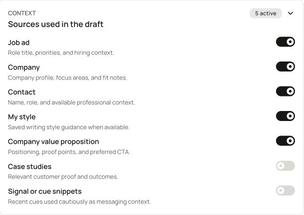
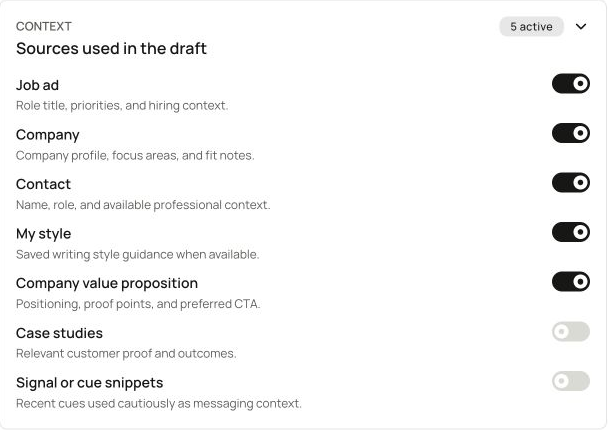
Give the draft your context and direction
Decide which sources shape the draft and how it should sound. For more background on the recipient before writing, explore person approach briefs.
Explore person approach briefsWorking copy
Keep the draft or take it to your sending tool
Edit the subject and message directly, or change the inputs and regenerate. You decide which wording to use and what to send.
Plan actions and record outcomes in WorkbenchNext step
Find an account to prepare for
Request a free Smart Signal connected to your offering and target customers. The next step opens a form about your business and fit for the offer.